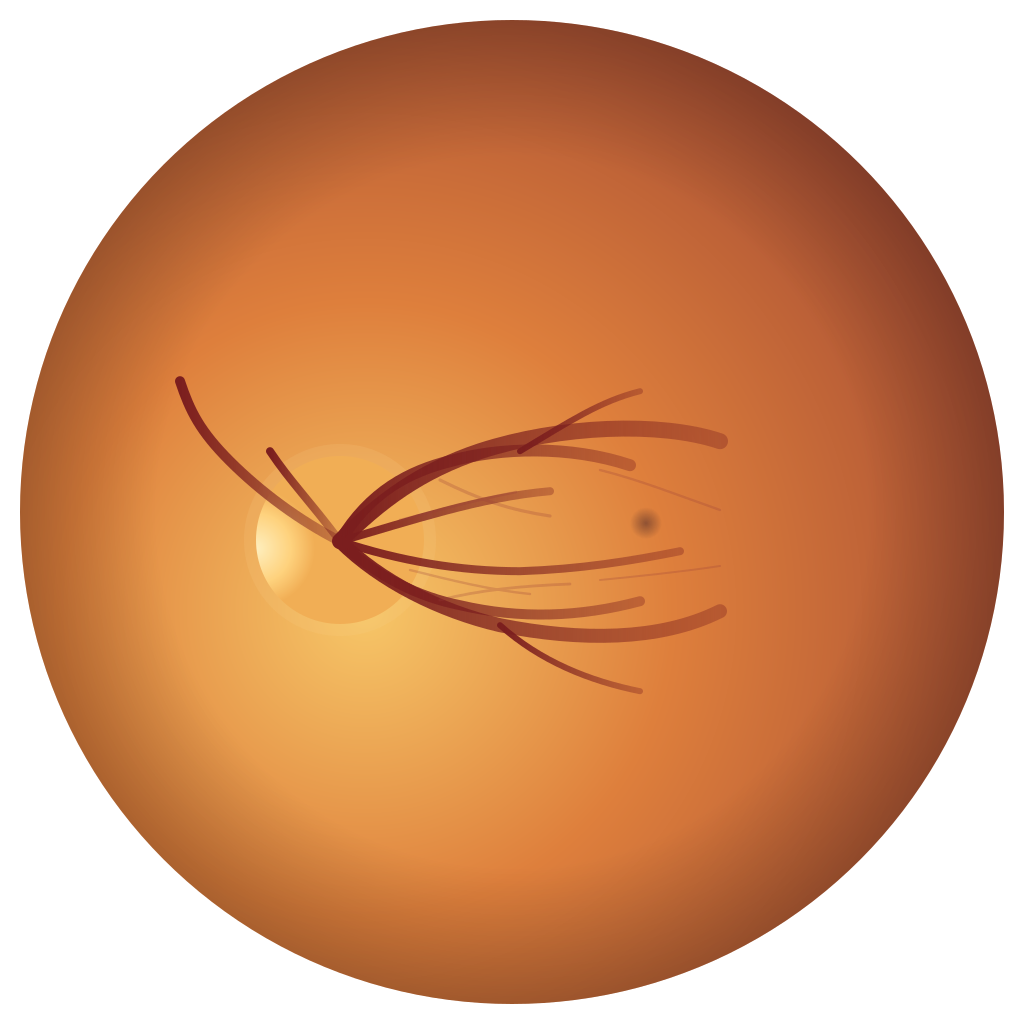
CDR/RDR Measurement
Inactive
Step 1: Click two points to draw the disc diameter line. Step 2: Click two points on that line to mark the cup segment.
CDR: —
RDR: —
100% zoom
Display: - / Original: -
Image Controls
Z/X Zoom in/out
Home Fit to container
Left click + drag Pan image
WASD Pan base image
,/. Brightness down/up
;/' Contrast down/up
Viewer Tools
L Toggle loupe
[/] Change loupe size
-/= Change loupe zoom
1-5 Apply preset
Current viewer settings
Filter: None
Brightness: 1.00
Contrast: 1.00
Zoom: 100%
Pan: 0, 0 px
Loupe: Off